
Latest Version
srimax software system
Communication
iOS
Free
924013474
Report a Problem
More About Output Messenger
Secure Office Communication with Output Messenger
Output Messenger private secure messenger is a dedicated on-premise communication tool designed to streamline internal collaboration. Developed by srimax software system for the iOS platform, this application serves as a self-hosted intranet messenger that keeps your corporate data strictly within your own network. It is an ideal solution for businesses that prioritize data privacy and want to avoid the security risks associated with public cloud-based chat applications.
Who is Output Messenger For?
This communication platform is built specifically for enterprises, financial institutions, and healthcare providers that require absolute control over their internal discussions. If your organization handles sensitive client data or proprietary intellectual property, hosting your own chat server ensures that no external third party can access your logs. It bridges the gap between desktop workstations and mobile employees, allowing seamless communication without compromising enterprise security standards.
Key Features & Capabilities
- Self-Hosted Security: Requires your own server application to run, ensuring all chat data remains on your private IP address or domain.
- Multi-Platform Connectivity: Seamlessly switch between desktop environments and your iOS device while staying connected to your team.
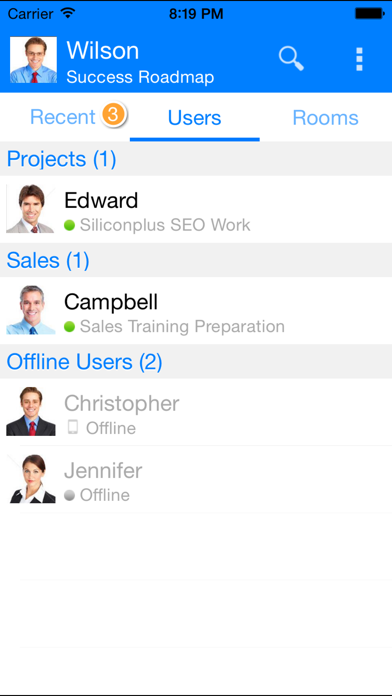
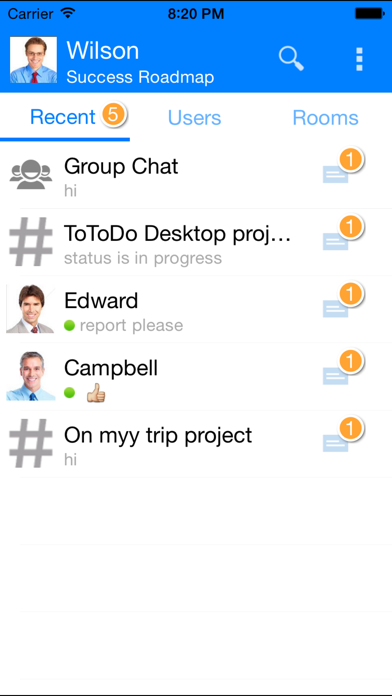
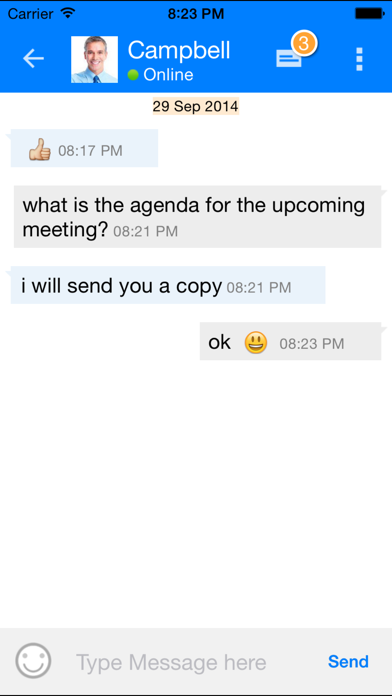
- Flexible Chat Options: Supports standard one-on-one private messaging as well as collaborative group chats for departmental projects.
- Always-On Background Service: Runs efficiently in the background with push notifications so you never miss an urgent internal announcement.
- Ad-Free Workspace: A clean, professional environment completely free of advertisements to maximize employee productivity.
How It Integrates Into Your Workflow
To utilize the Output Messenger private secure messenger on your iOS device, your network administrator must first set up the Output Messenger Server application on your local network or private cloud. Once configured, users simply enter the public IP address or domain name of the hosting server into the mobile app to establish a secure link. This architecture ensures that your internal communications never touch external commercial servers, keeping your proprietary business data completely safe.
Get Started Safely
If you are looking to eliminate external security vulnerabilities and establish a robust, private communication channel for your staff, this platform offers a highly dependable architecture. To learn more about the setup requirements or to install the mobile client for your team, visit the official App Store page for iOS today.
Rate the App
User Reviews











Popular Apps










Editor's Choice