

Latest Version
WP Interactive Media, Inc.
Entertainment
Mac
Free
6471985961
Report a Problem
More About Teleparty - Watch TV Together
The Ultimate Solution for Long-Distance Movie Nights
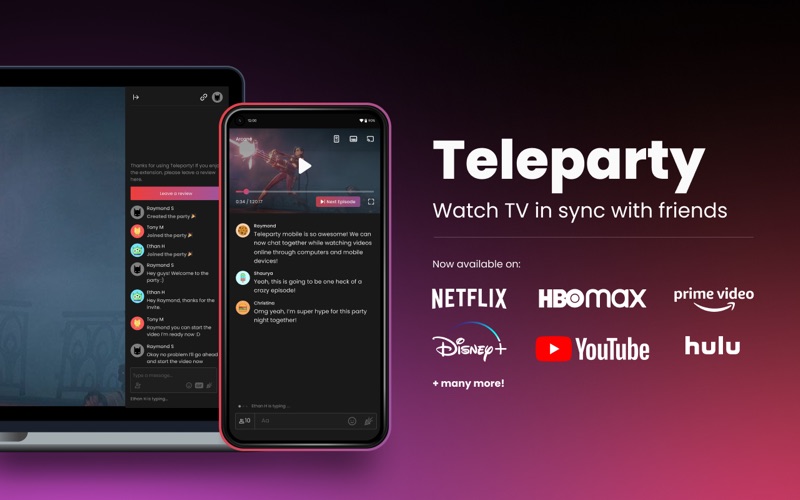
Imagine trying to count down "three, two, one, play" over a phone call with a friend miles away, only to realize one of you is five seconds ahead, spoiling the movie's biggest twist. Teleparty - Watch TV Together solves this exact problem by seamlessly synchronizing video playback and adding a real-time group chat to your favorite streaming platforms on Mac. Whether you are hosting a virtual date night or catching up on the latest series with your friend group, this tool bridges the physical gap to make remote viewing feel like a shared living room experience.
How Teleparty - Watch TV Together Works
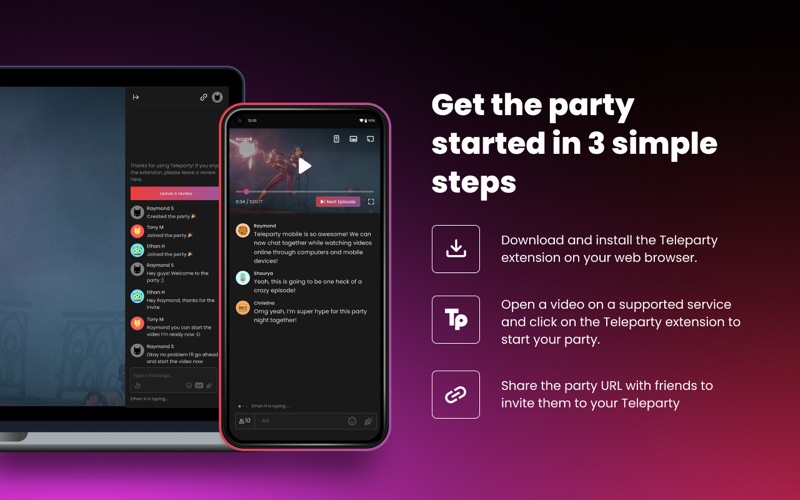
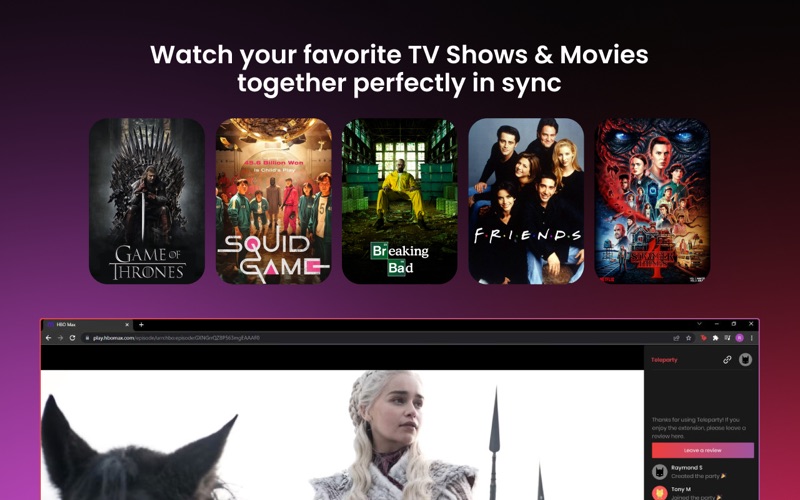
Getting started with Teleparty - Watch TV Together is remarkably straightforward. Developed by WP Interactive Media, Inc., the application functions as a highly integrated extension on Mac. Once installed, you simply open your preferred streaming service, start a video, and click the Teleparty icon to generate a unique session link. Sharing this link with your friends instantly pulls everyone into a synchronized viewing room where play, pause, and seek actions are mirrored across all screens simultaneously.
Supported Streaming Services
The platform offers broad compatibility across major streaming services, dividing its offerings into free and premium tiers:
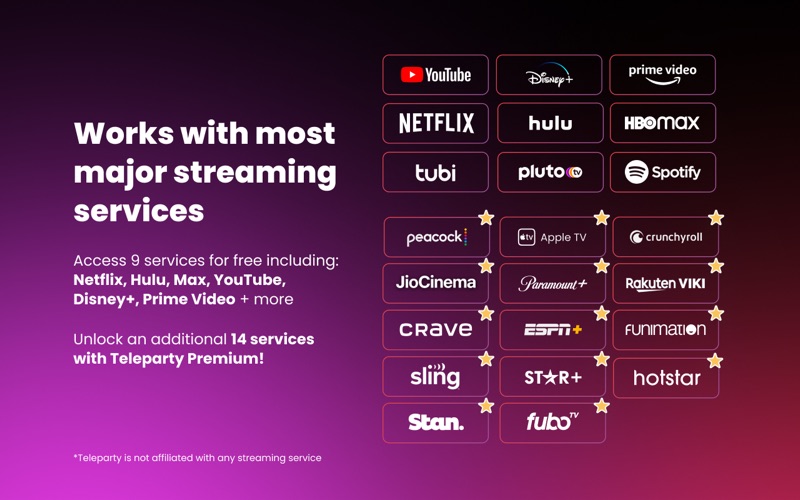
- Free Tier Access: Users can sync content across major services including Netflix, YouTube, Disney Plus, Max, Hulu, Amazon Prime Video, Pluto TV, Tubi TV, and Spotify.
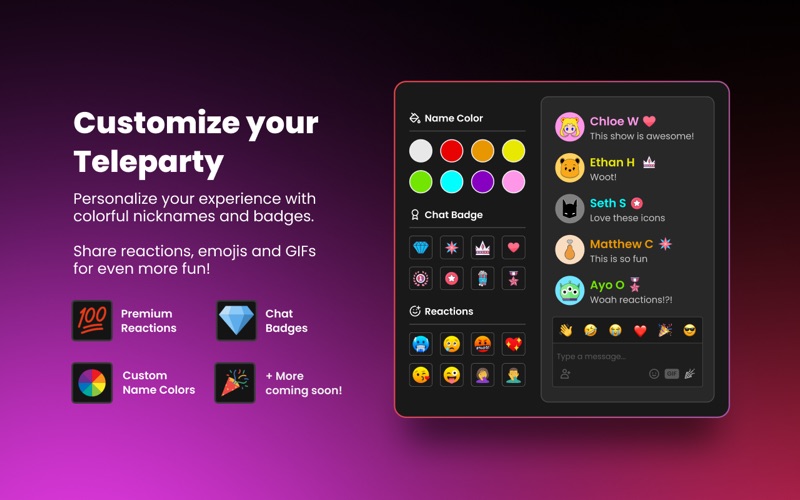
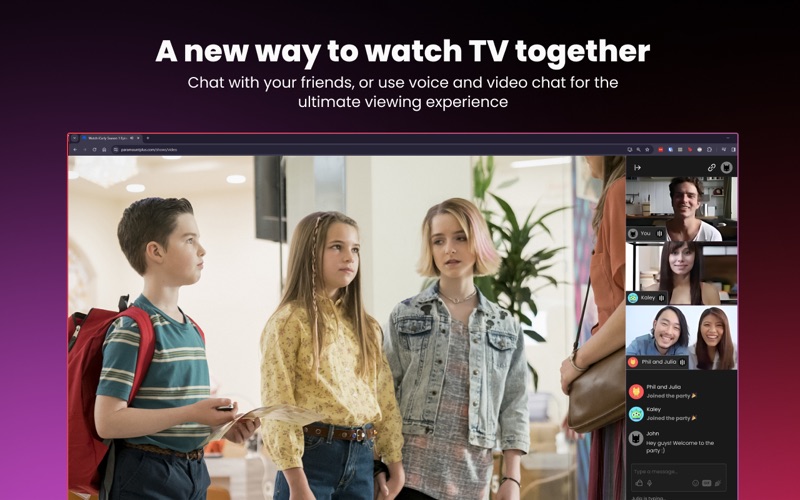
- Teleparty Premium: A premium subscription unlocks over 10 additional platforms such as Crunchyroll, Funimation, Paramount+, and Apple TV. It also introduces advanced features like integrated video and audio chat, custom name colors, premium badges, and an ad-free interface.
Who Is It For?
This application is highly recommended for long-distance couples, families living in different cities, and online communities who want to share entertainment experiences in real time. Because it synchronizes playback perfectly, you no longer have to worry about manually coordinating streams or dealing with audio lag.
Is It Worth It?
For anyone who regularly watches content with others online, the convenience of automatic synchronization is unmatched. The free tier offers robust support for the most popular streaming platforms, while the premium upgrade provides excellent value for power users who want video and audio chat directly integrated into their player window.
To start hosting your own synchronized watch parties, head over to the official Mac App Store to explore the extension and join millions of users worldwide.
Rate the App
User Reviews










Popular Apps










Editor's Choice